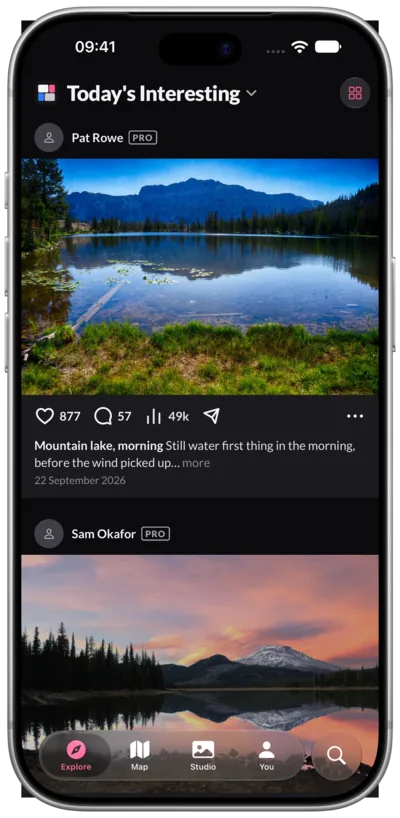
iPhone
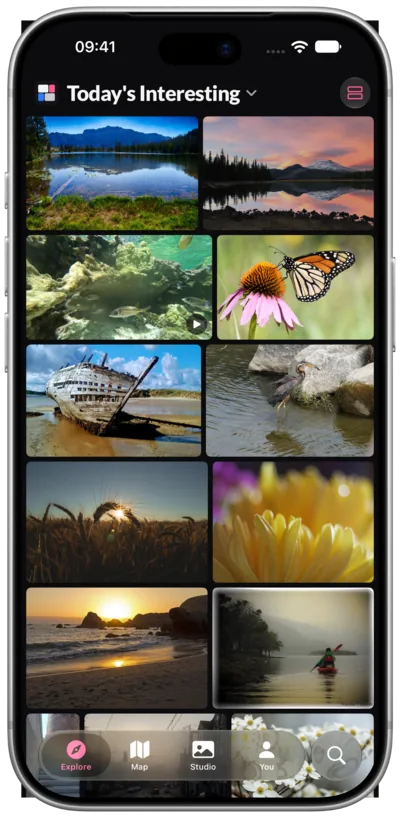
The day's best photos as a feed, one at a time, with the mosaic a tap away. Explore, Map, Studio and You along the bottom, and Search always to hand. Turn it on its side for photos edge to edge and slideshows.
Now on Apple TV
A beautiful, fluid way to explore Flickr's most interesting photos, your favourites and the photographers you love, on iPhone, iPad, Mac and Apple TV.
 Free to explore, with Pro and Studio upgrades that work on every device
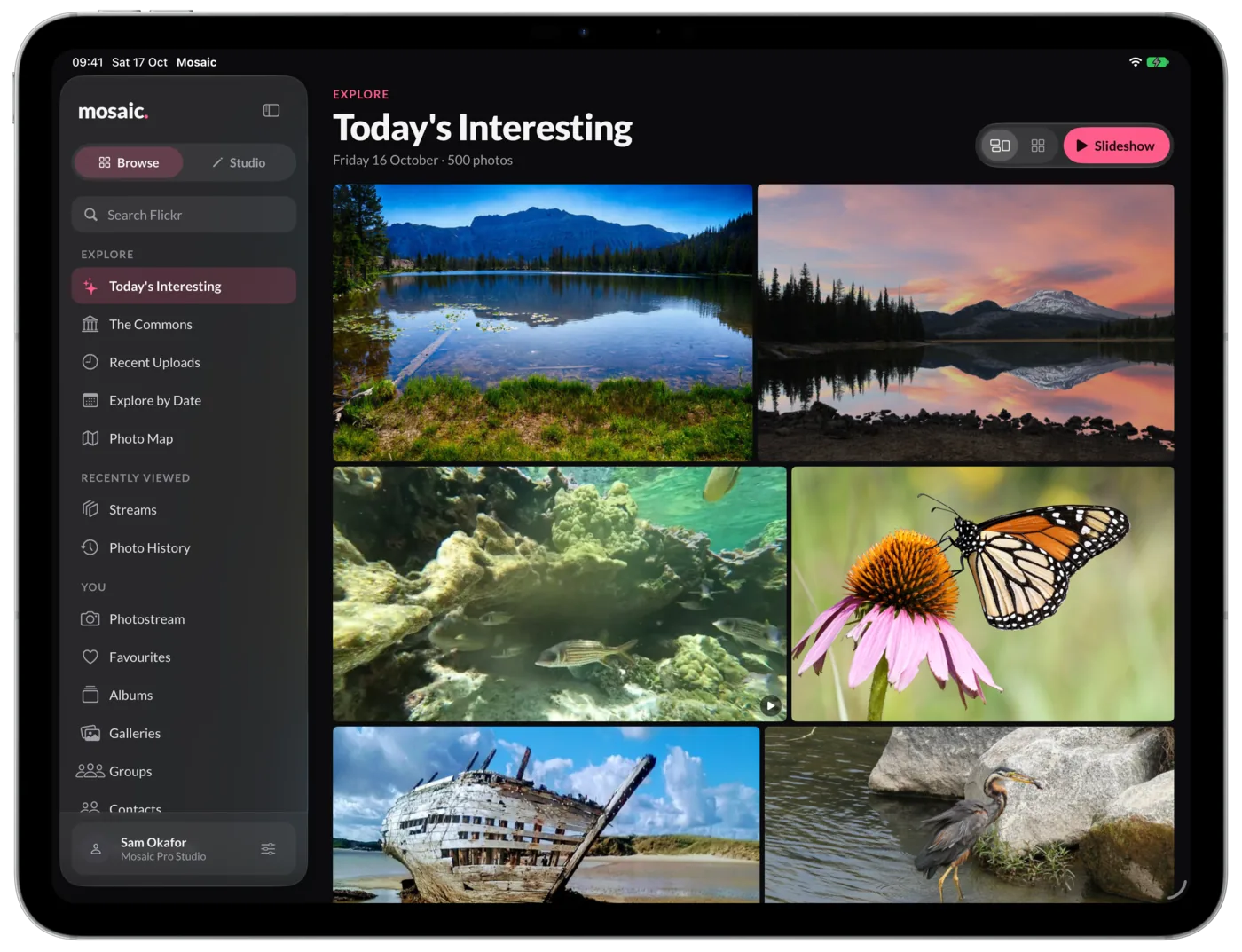
One app for iPhone, iPad, iPhone Duo, Mac and Apple TV. Subscribe to Mosaic Pro, or buy it once, and it's yours on every device signed in with your Apple Account; subscribe to Studio once for iPhone, iPad and Mac.
The day's best photos as a feed, one at a time, with the mosaic a tap away. Explore, Map, Studio and You along the bottom, and Search always to hand. Turn it on its side for photos edge to edge and slideshows.
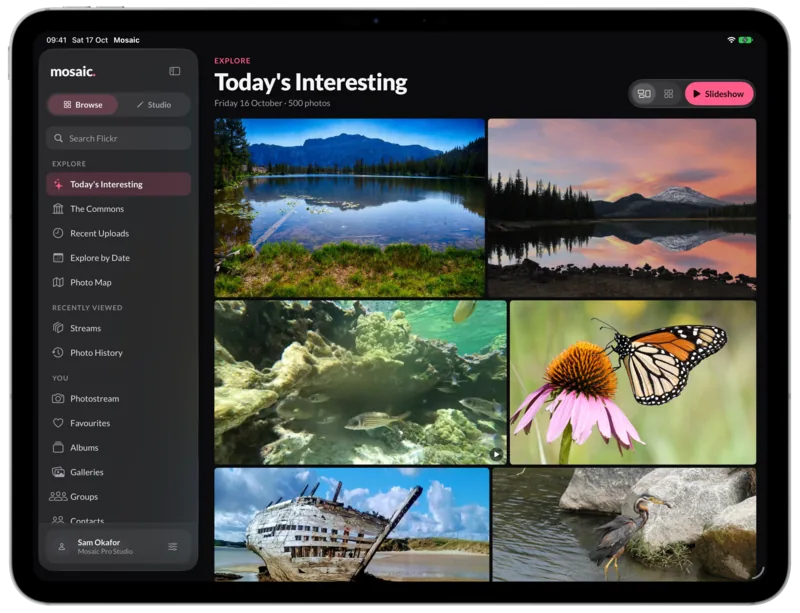
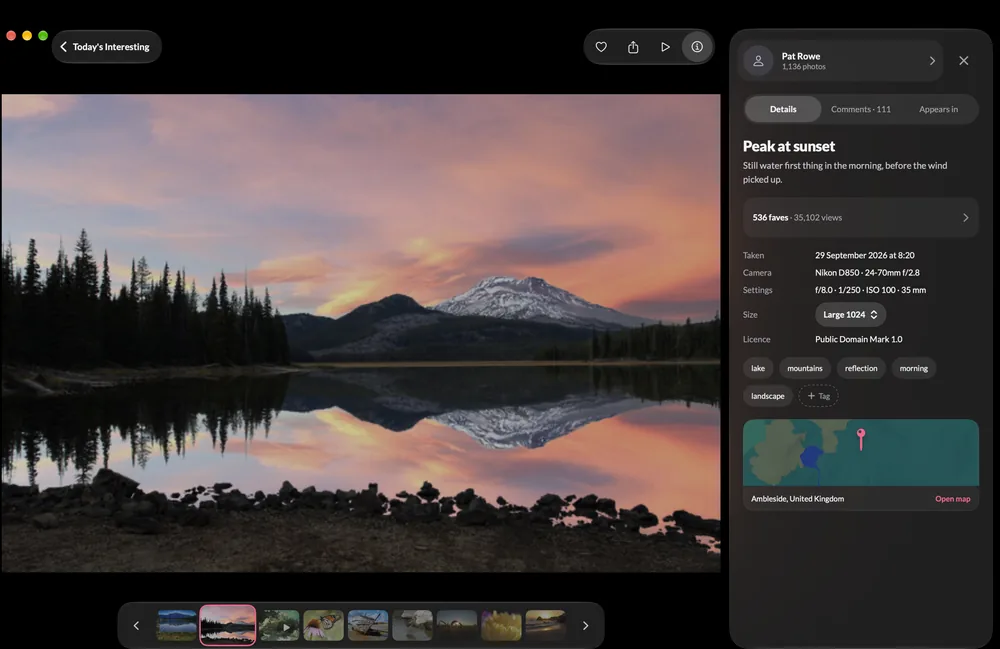
A full-screen mosaic that runs to the edges, with floating glass panels: your streams in the sidebar, and every photo's details beside it.
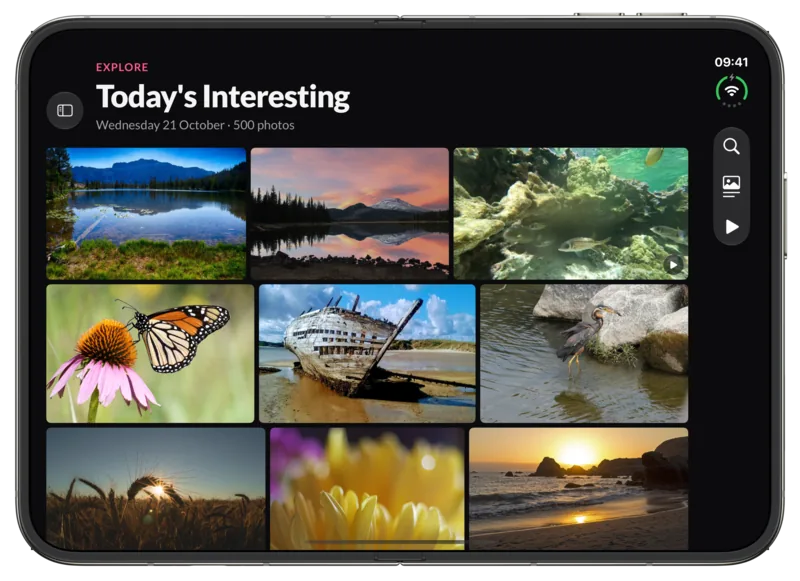
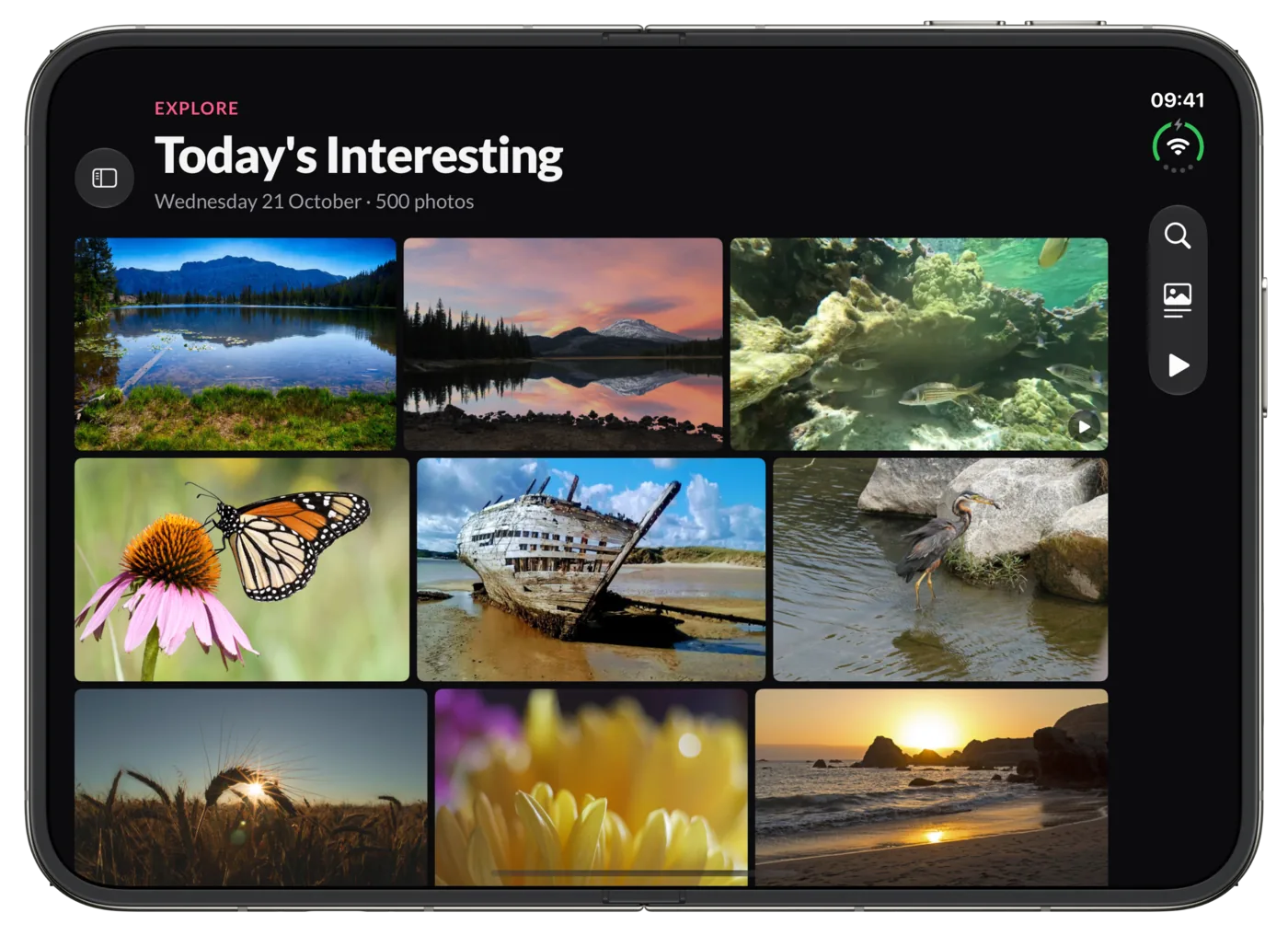
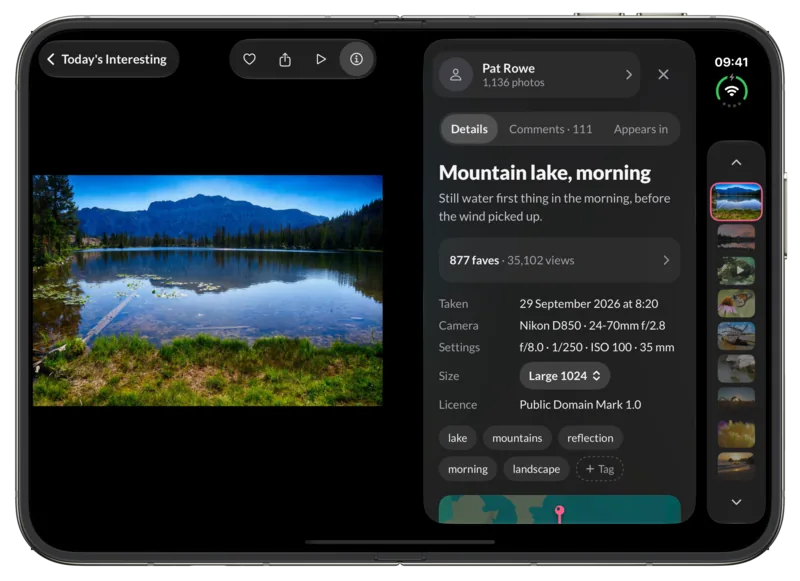
Open it out and Mosaic spreads across the inner display, with room for the mosaic, a photo and its details side by side.
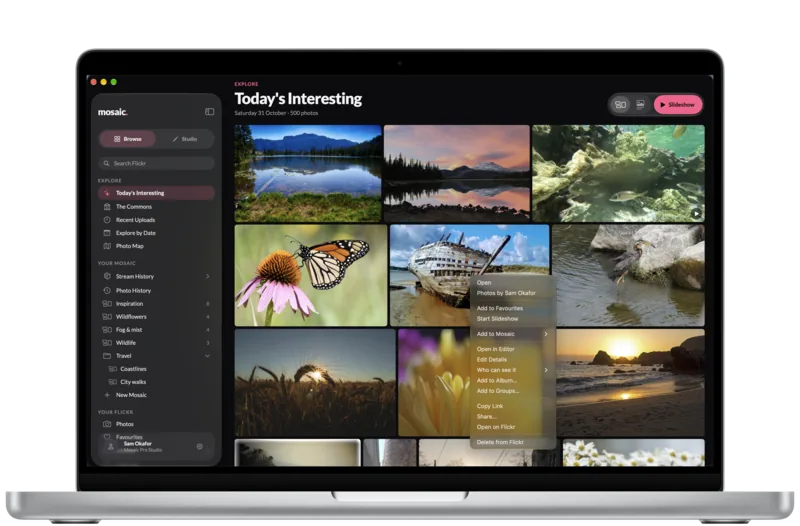
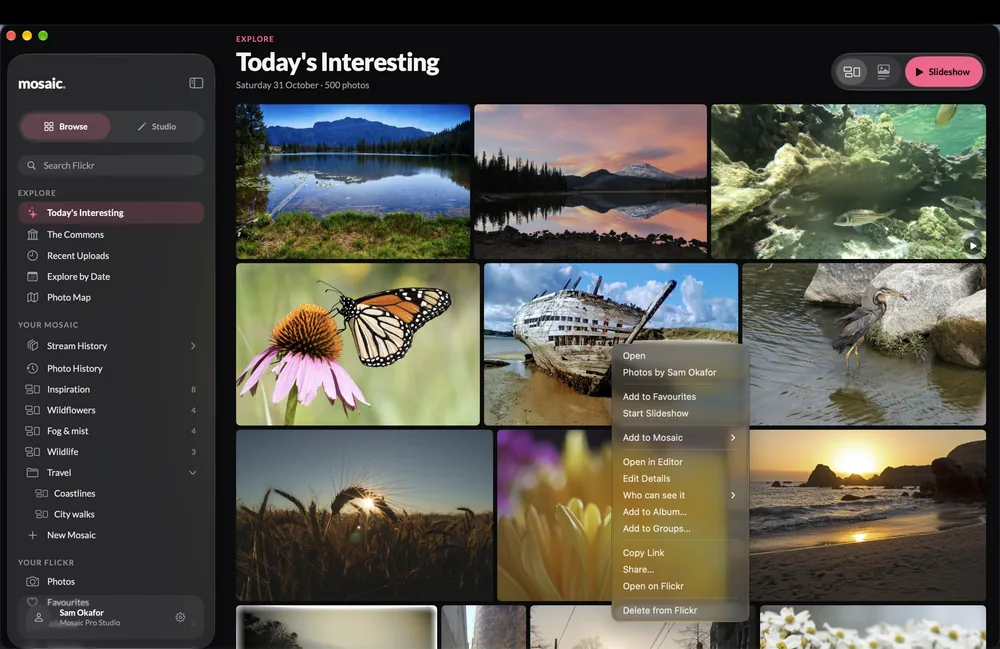
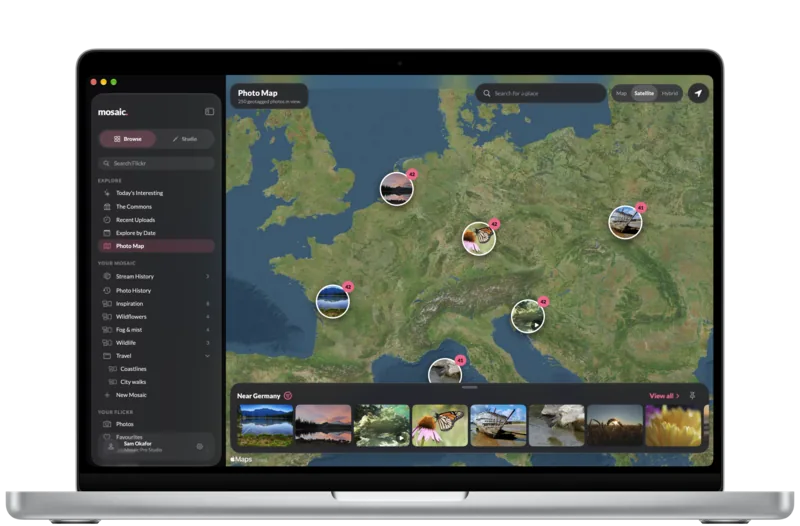
A window of any size with the sidebar beside it, menus and keyboard shortcuts for everything, right-click on any photo, and drag photos out to Finder, Mail or a mosaic.
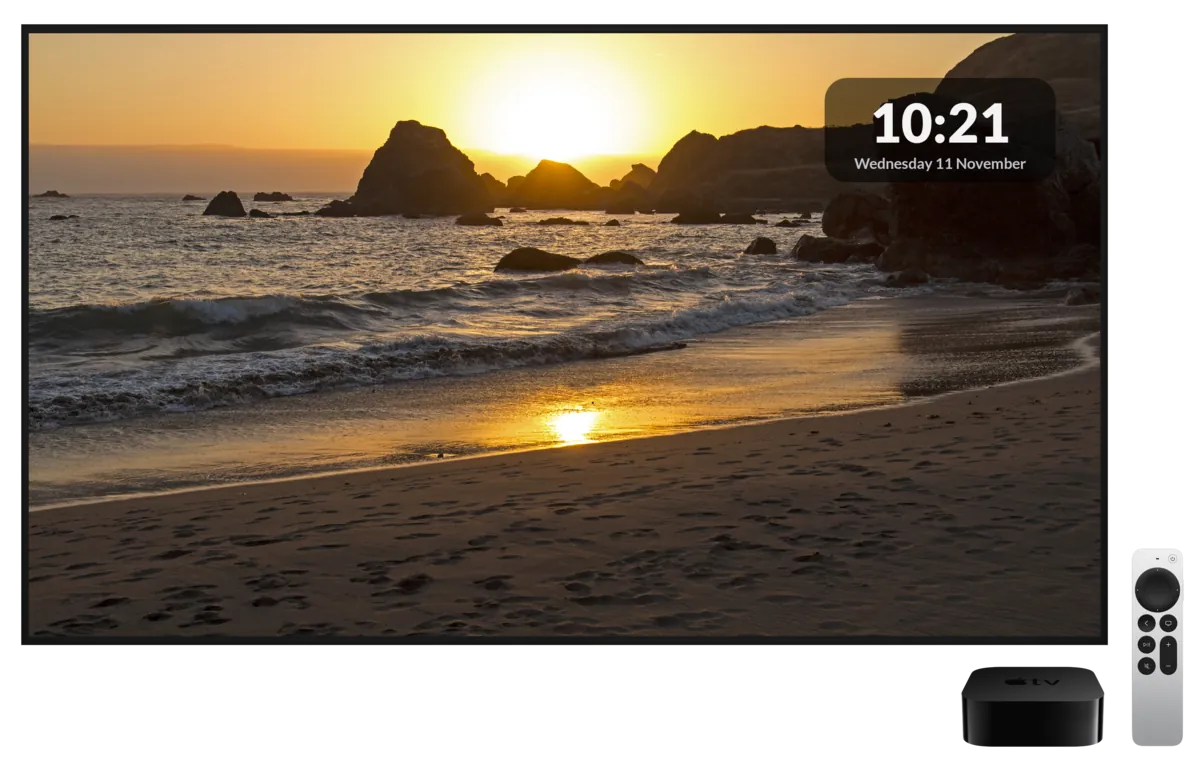
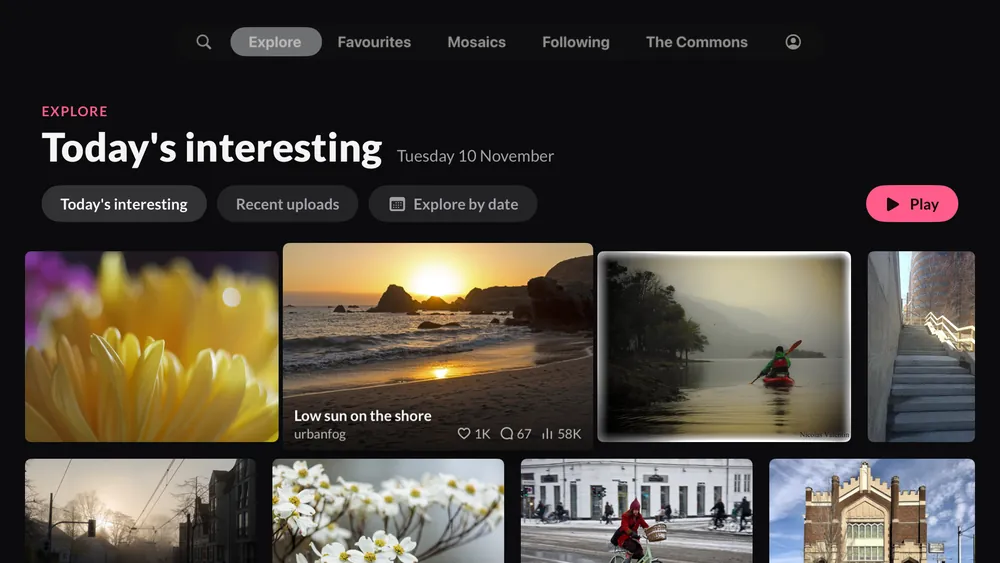
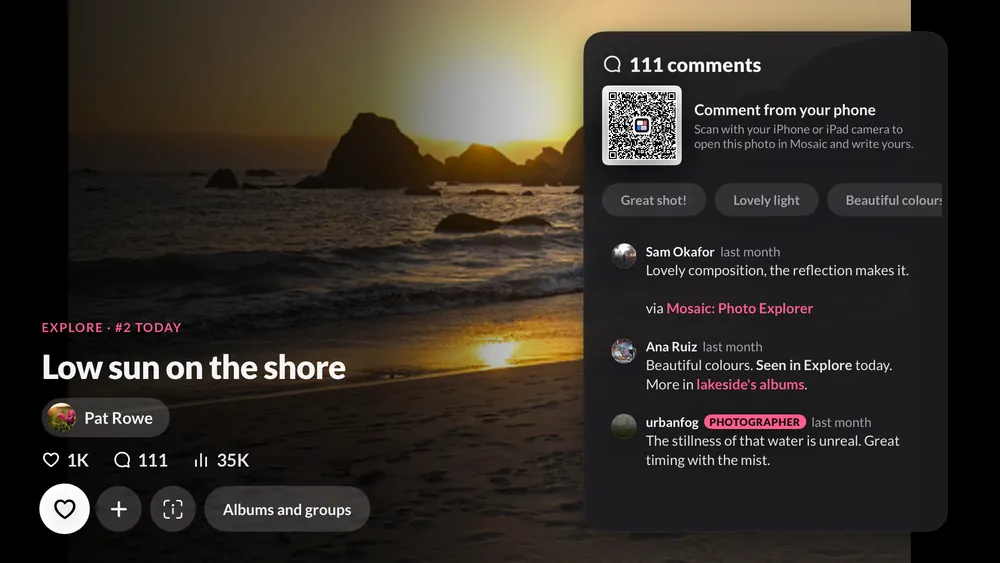
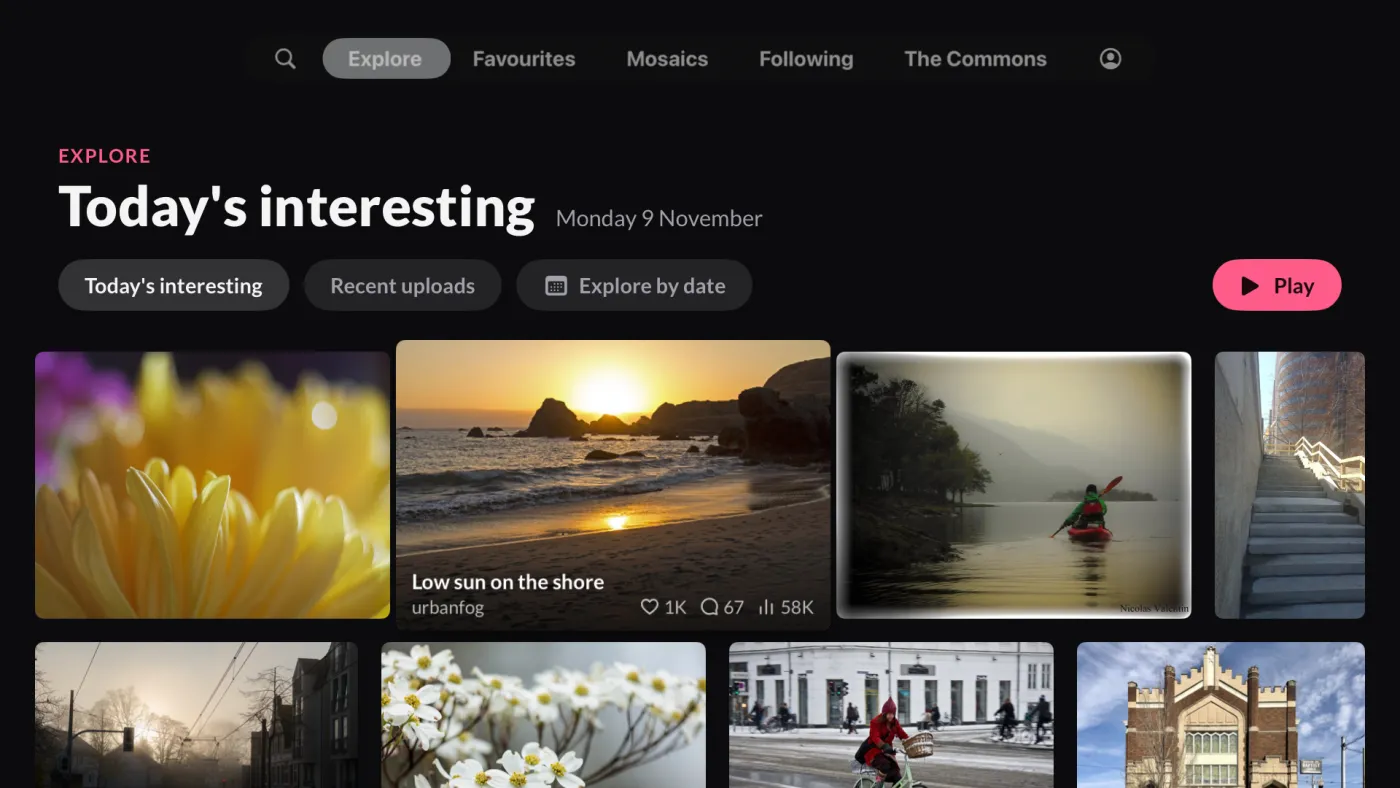
Today's best photos across the biggest screen in the house, with slideshows and a clock. Sign in with a scan from your iPhone or iPad, or carry straight on as you.
Today's Interesting, Recent Uploads, The Commons, or any day you like with Explore by Date, laid out as a mosaic that fits each photo's shape, so nothing is cropped. Pinch to make photos bigger or smaller.
New on iPhone
On iPhone, every stream opens as a feed: one photo after another, with its faves, comments and views underneath. Tap once to see the whole day as a mosaic, and double-tap a photo to fave it.
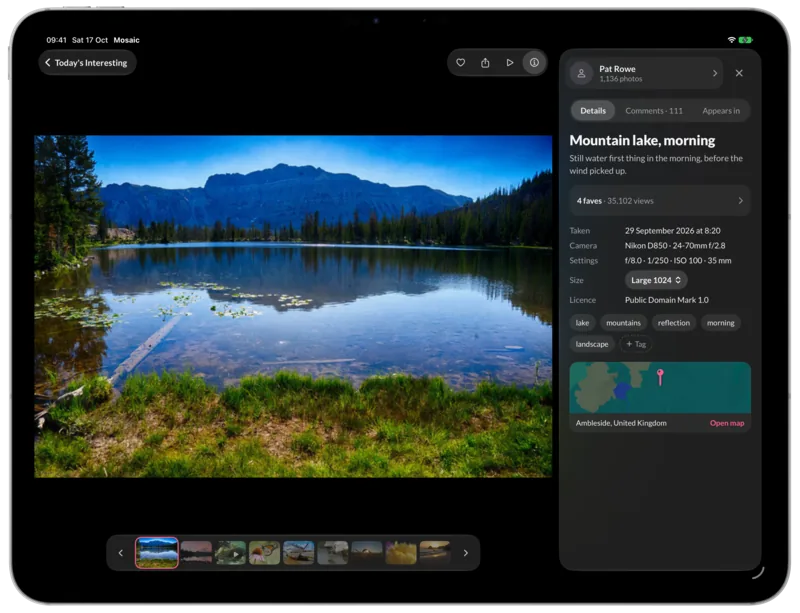
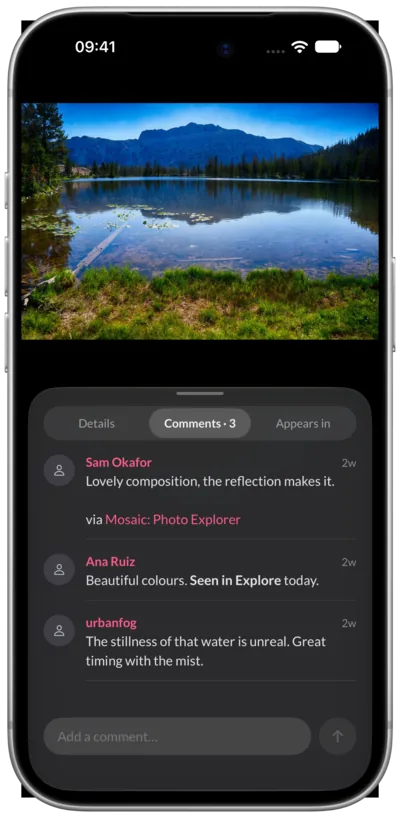
Tap any photo and it fills the screen. The story behind it is a tap away: description, tags, comments, where it was taken and, with Pro, the camera behind it. Swipe for the next, or follow a photo into its albums, groups and photographer.

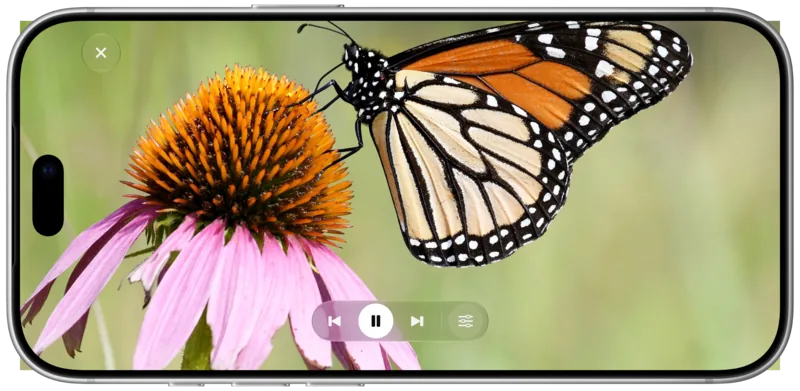
Start a slideshow from any stream and sit back; on iPhone, turn it on its side. Choose a gentle Ken Burns drift or simple fades, fitted or filling the screen, at the pace you like. Mosaic keeps the screen awake while it plays.
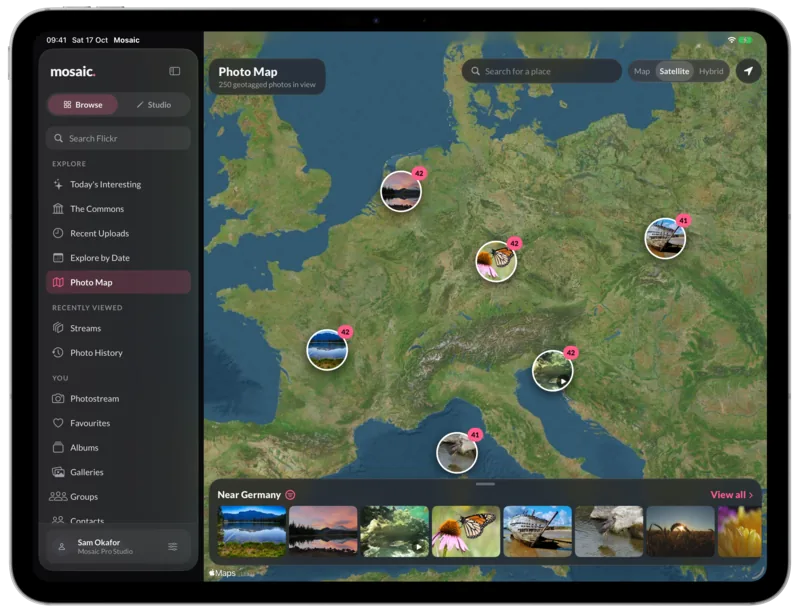
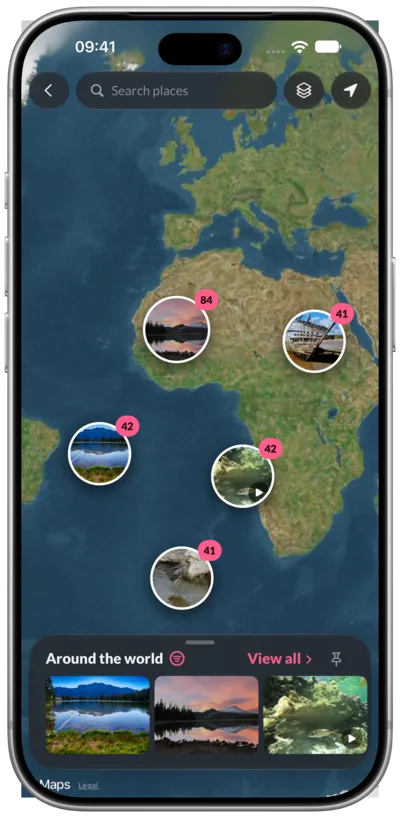
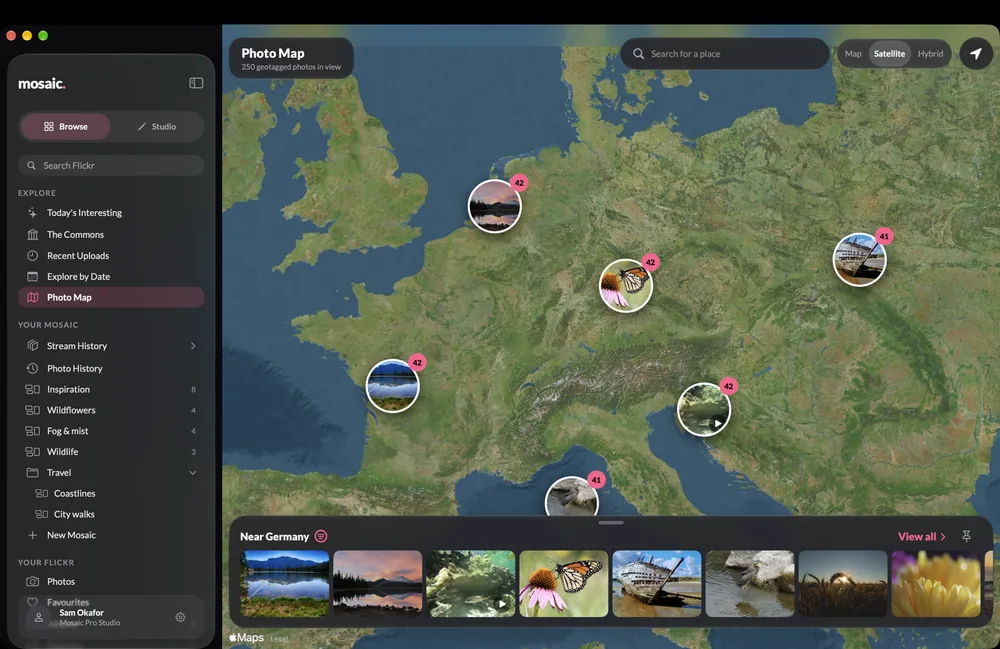
Find photos taken near you or anywhere in your country, then open a whole area as a stream. With Pro, the whole world's on the map.
Map, Satellite or Hybrid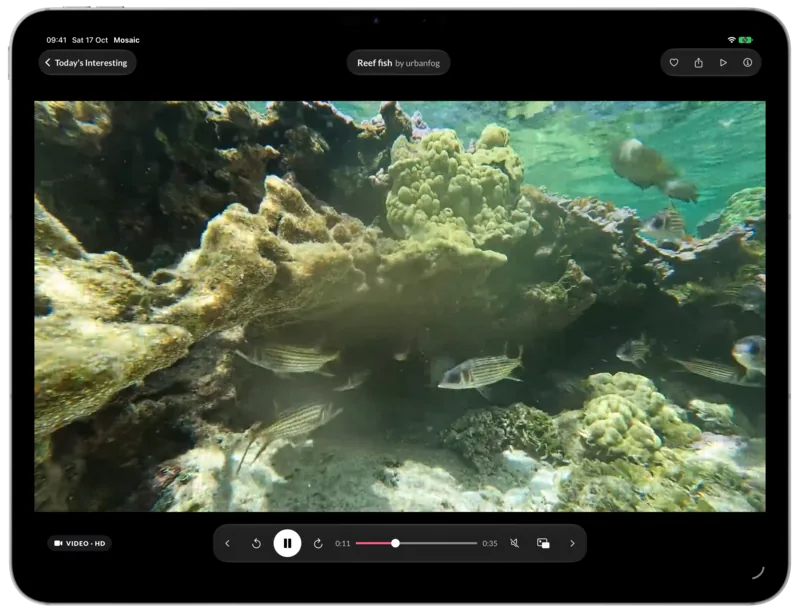
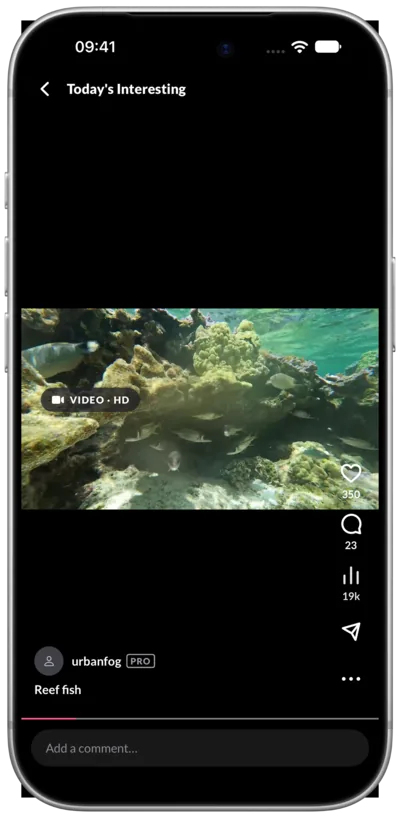
Videos play where you find them, with skip, scrub and mute, and picture in picture so they keep going while you browse.
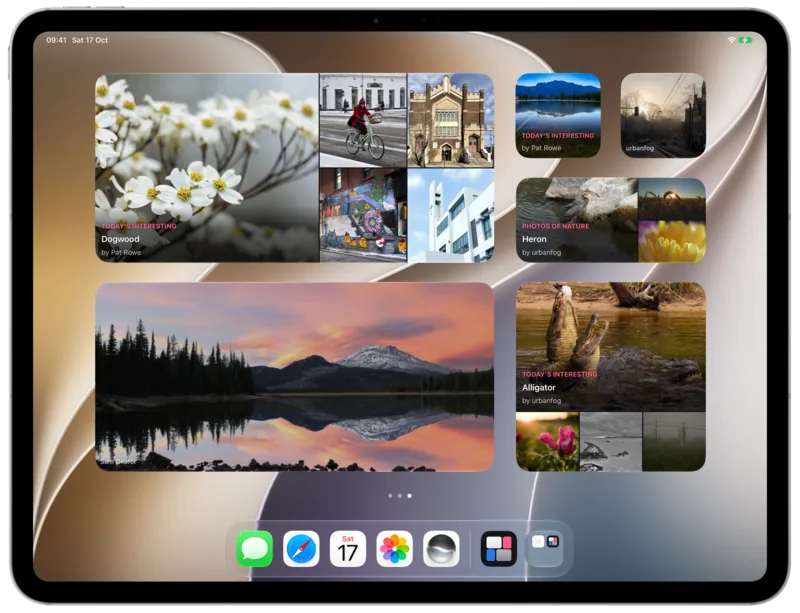
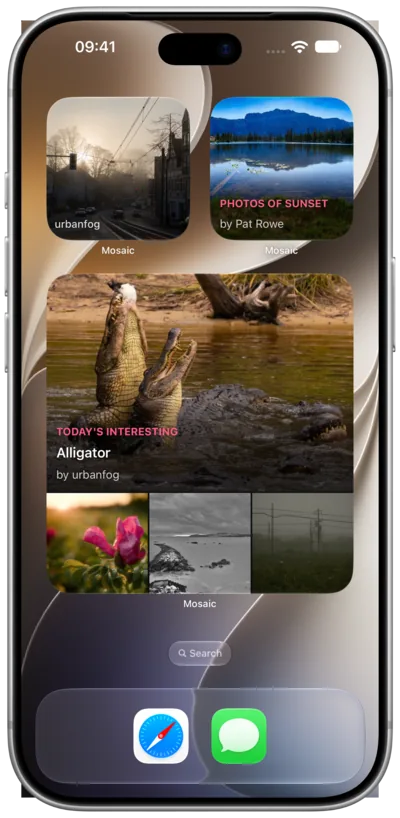
Widgets in every size, for iPhone and iPad, bring Today's Interesting to your Home Screen as a mosaic, with new photos every hour. Photo Frame shows one photo edge to edge, and there's one for the Lock Screen too. With Pro, show photos of anything you like, or your own.
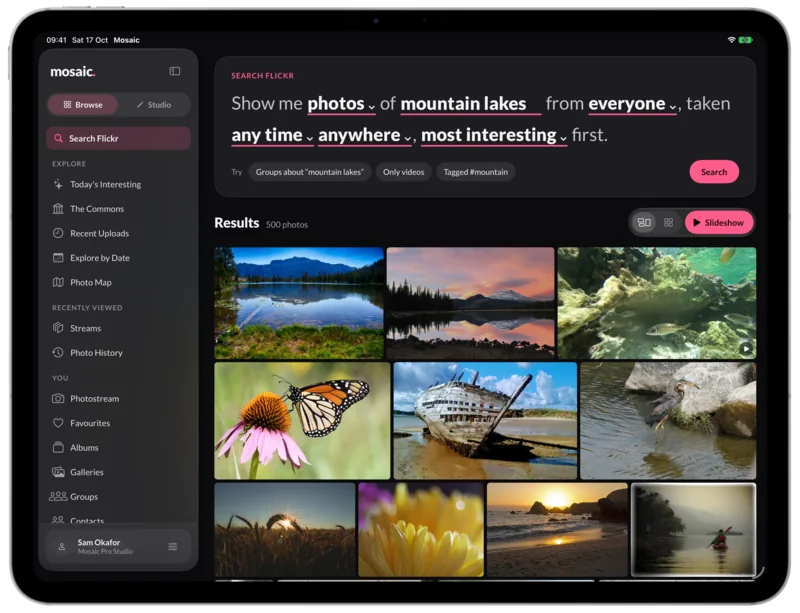
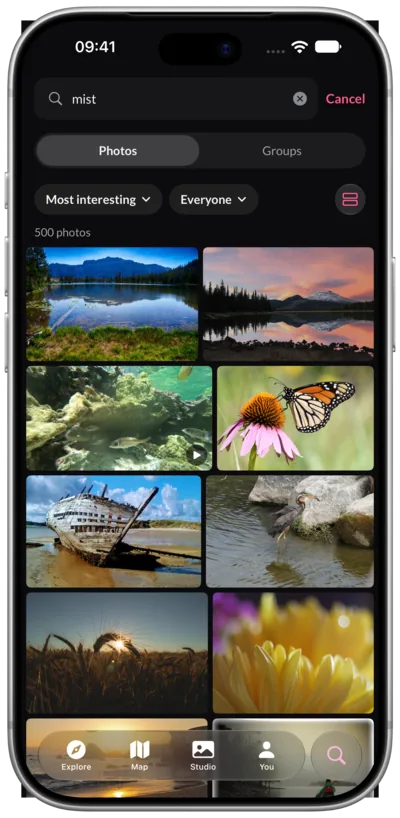
On iPad, searches read as a sentence you fill in: "Show me photos of mountain lakes from everyone, most interesting first." Tap any part to change it. On iPhone, Search sits beside the tab bar, with the same choices a tap away. Recent searches are always close by.
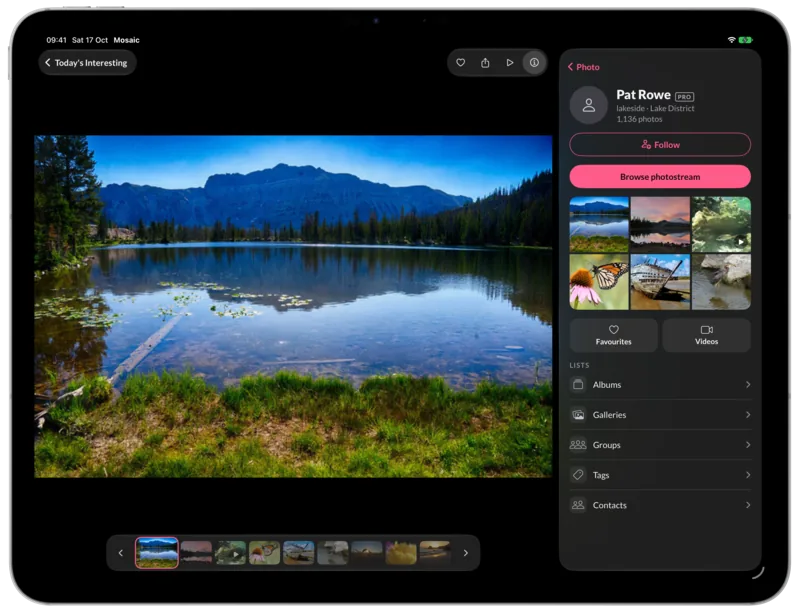
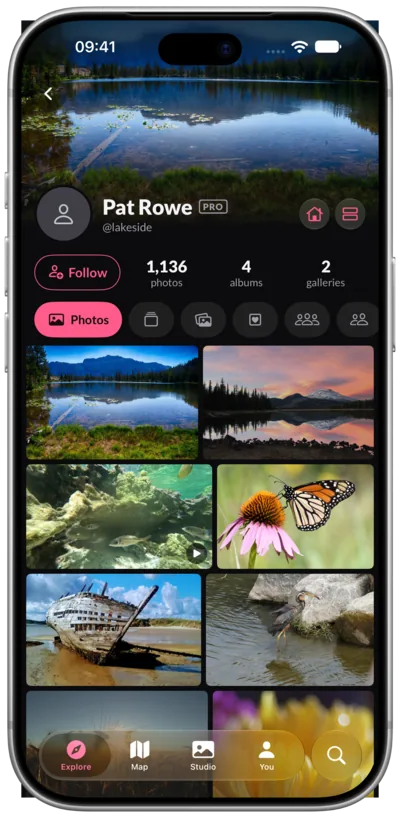
Open a photographer from any photo to see their photostream, albums, galleries, groups and favourites. Follow them, mark them as friend or family, and find them again under your contacts.
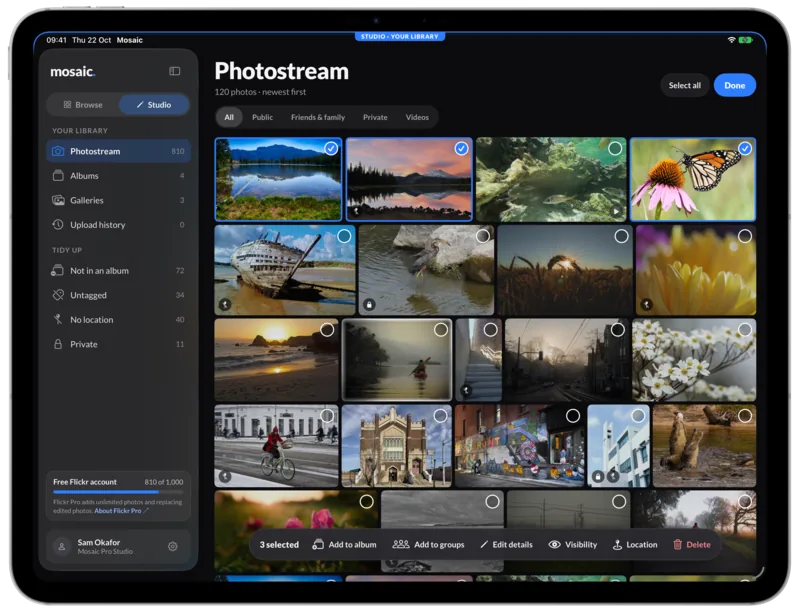
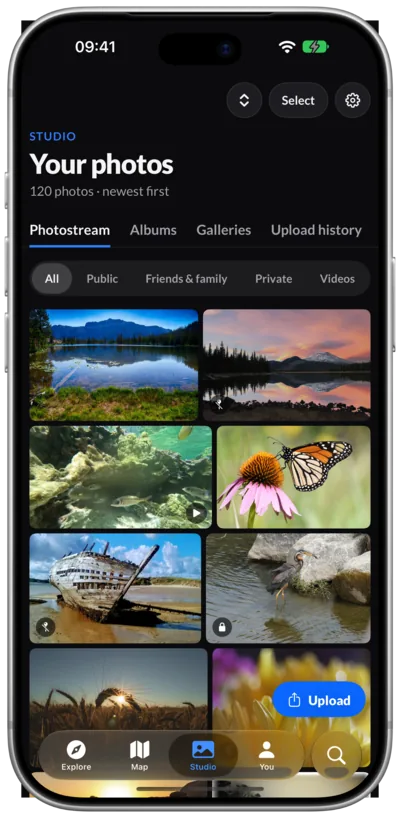
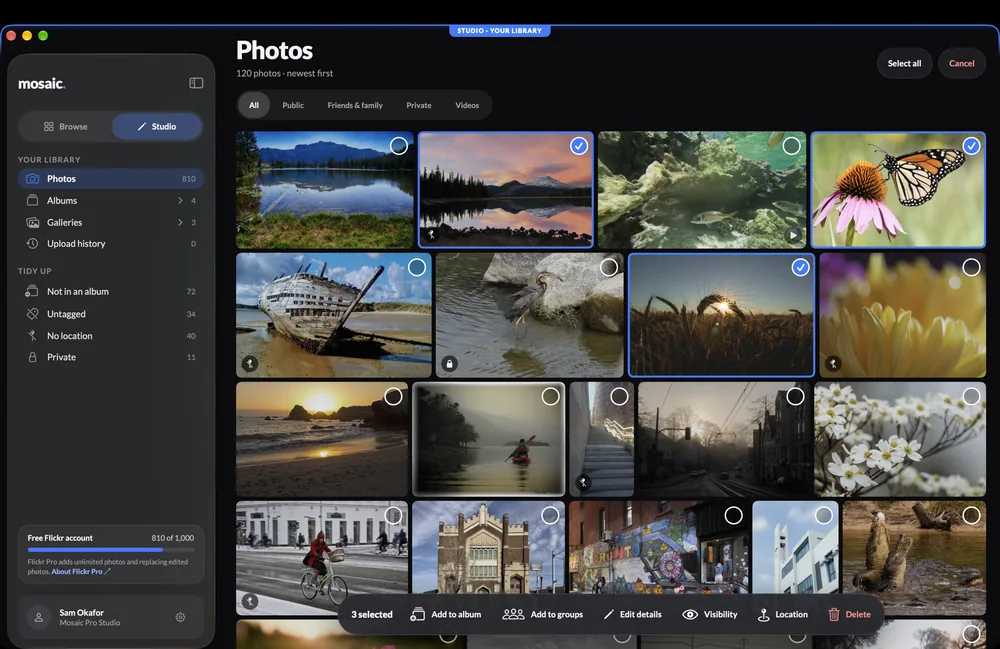
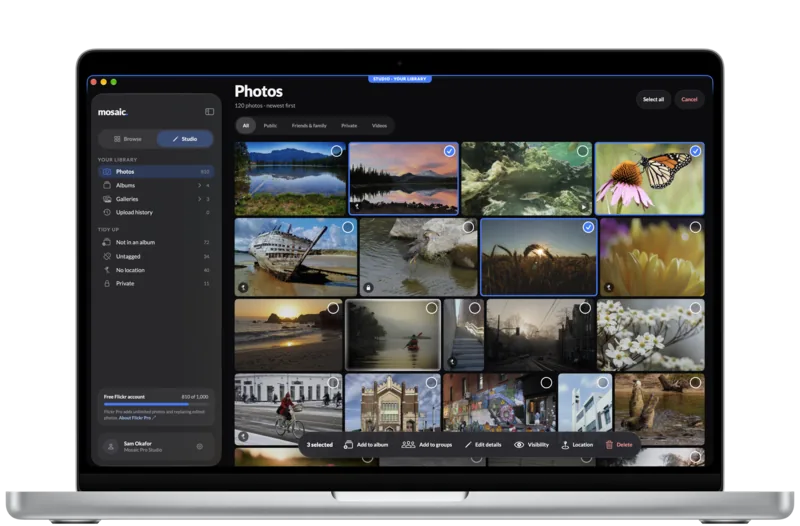
Mosaic Pro Studio looks after your own Flickr photos: your photostream, albums, galleries and uploads in one place. New photos go up by themselves with Auto-Upload, by your rules; upload from any app or with Shortcuts; select many and change titles, tags, visibility and location at once; and tidy up photos with no album, tags or location.
Subscription, yearly with a 7-day free trial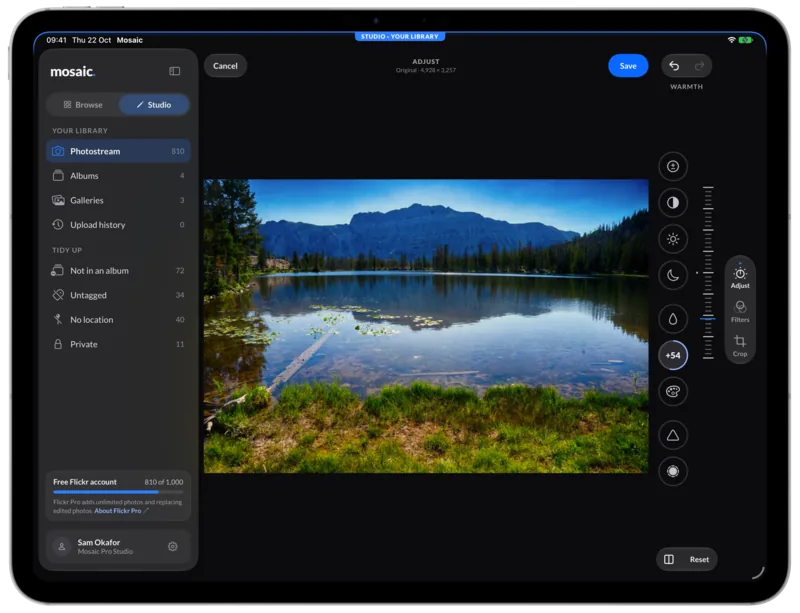
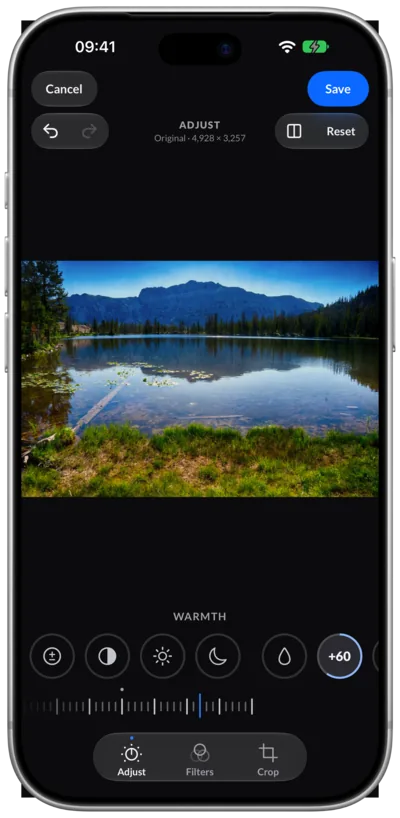
New in Studio
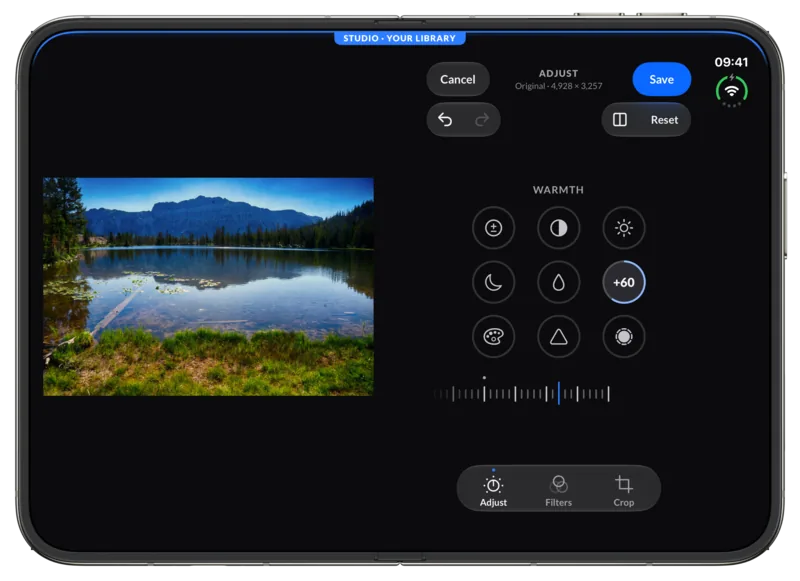
A photo editor made for touch: light, colour, crop and filters, with a dial for every adjustment. When you're done, upload it as a new photo, keep a copy, or replace the original on Flickr.

iPhone Duo
On iPhone Duo's inner display, Mosaic lays out like it does on iPad: the mosaic across the whole screen, a photo with its details beside it, and the editor with room to work.


Mac
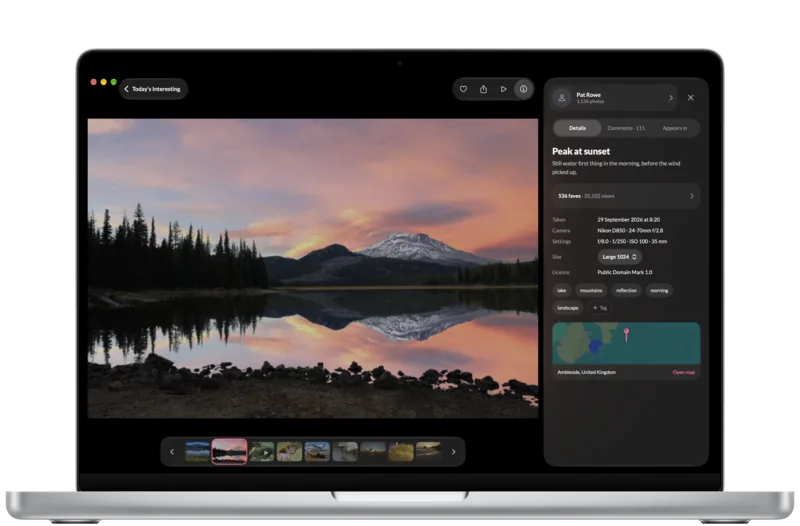
Mosaic fills a window of any size, with the sidebar beside it. Right-click any photo to share it, favourite it or add it to a mosaic, and drag photos out to Finder, Mail or Notes, or onto a mosaic in the sidebar. There are menus and keyboard shortcuts for everything, like ⌘F to search, and ⌘+ and ⌘− make the mosaic bigger or smaller. Studio comes to the Mac too.



Apple TV
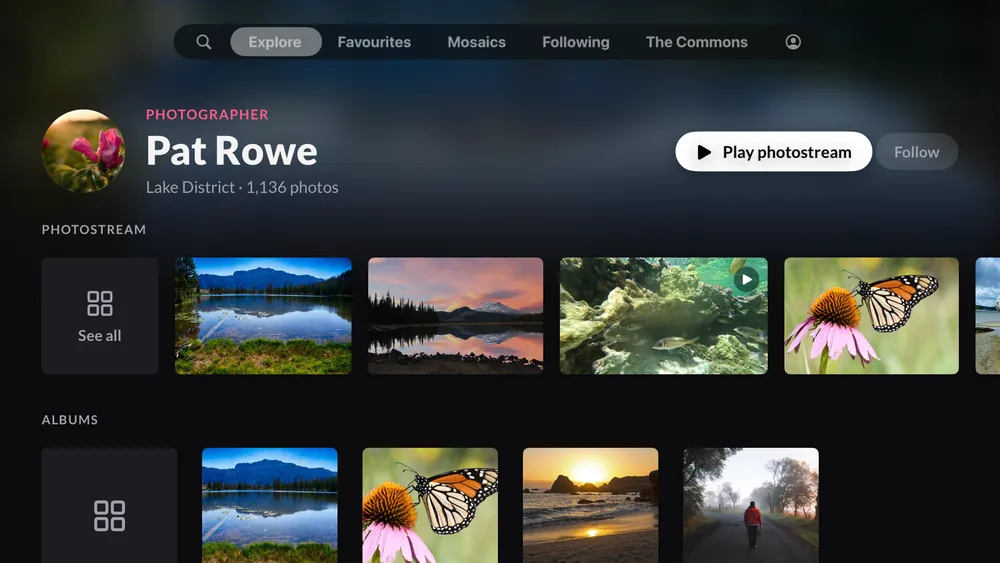
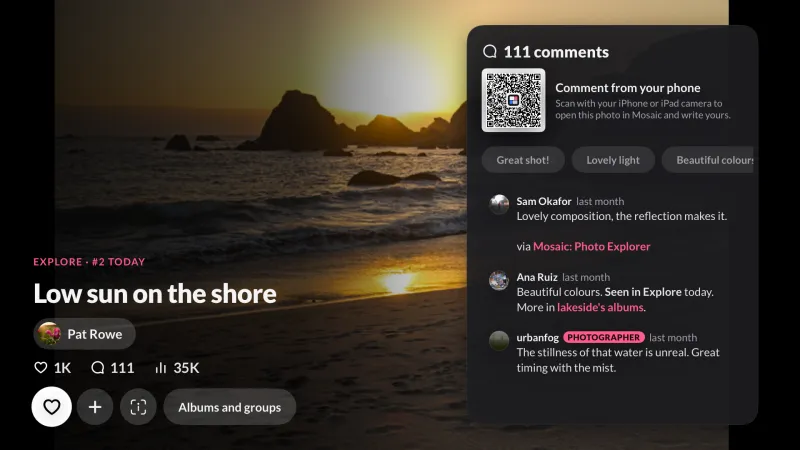
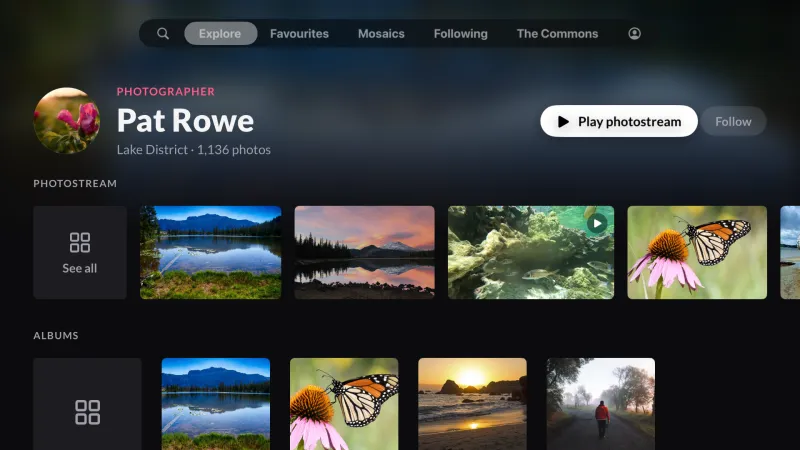
Today's Interesting across your whole TV, slideshows with a clock or calendar in the corner, and every photo's story a swipe away. Point your iPhone or iPad at the code on the TV to sign in, or carry straight on as you if Mosaic is signed in on your iPhone, iPad or Mac. Your favourites, the photographers you follow and your mosaics come too.
Mosaic Pro
Mosaic is free to explore, with a few limits: the first 50 photos of every stream, five searches and five Photo Map searches a day, and the streams you've opened today. Mosaic Pro lifts them on iPhone, iPad, Mac and Apple TV: monthly, yearly, or once for good with Lifetime. Already bought Pro? It's still yours.
Monthly, yearly with 3 days free, or once for good.
Mosaic Pro Studio
A subscription for people who keep their photos on Flickr, monthly, or yearly with a 7-day free trial. It includes everything in Mosaic Pro, on iPhone, iPad and Mac. Works with a free Flickr account; replacing an original on Flickr needs Flickr Pro.
Millions of photos are shared on Flickr every day. Mosaic brings the very best of them to your iPhone, iPad, Mac and Apple TV.